
Table of contents
Building it yourself? Strackr already connects to the Clickwise API: transactions and clicks in one dashboard, plus one API across 280+ networks.
About Clickwise
Clickwise is an affiliate meta-network: one publisher account, one link format and one payout across programs from several affiliate networks and its own direct advertisers. Publishers apply to the upstream programs from the Clickwise panel and track everything in one place.
How to connect
Steps checked on October 6, 2026
Clickwise API integration
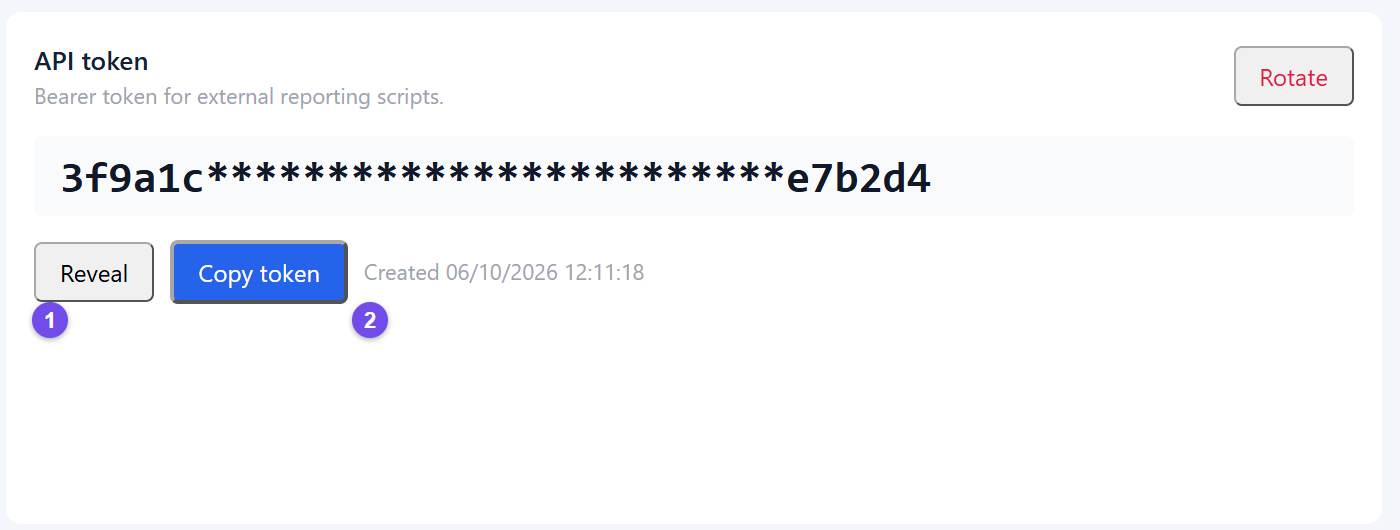
Strackr connects to Clickwise with the API token of the Reporting API. Clickwise gives every affiliate account two credentials: the Reporting API token, under Results, which is the one Strackr uses, and the key of the Developers page, which belongs to the Publisher API and does not work for reporting. Copy the token, not the key.
Get your API token
-
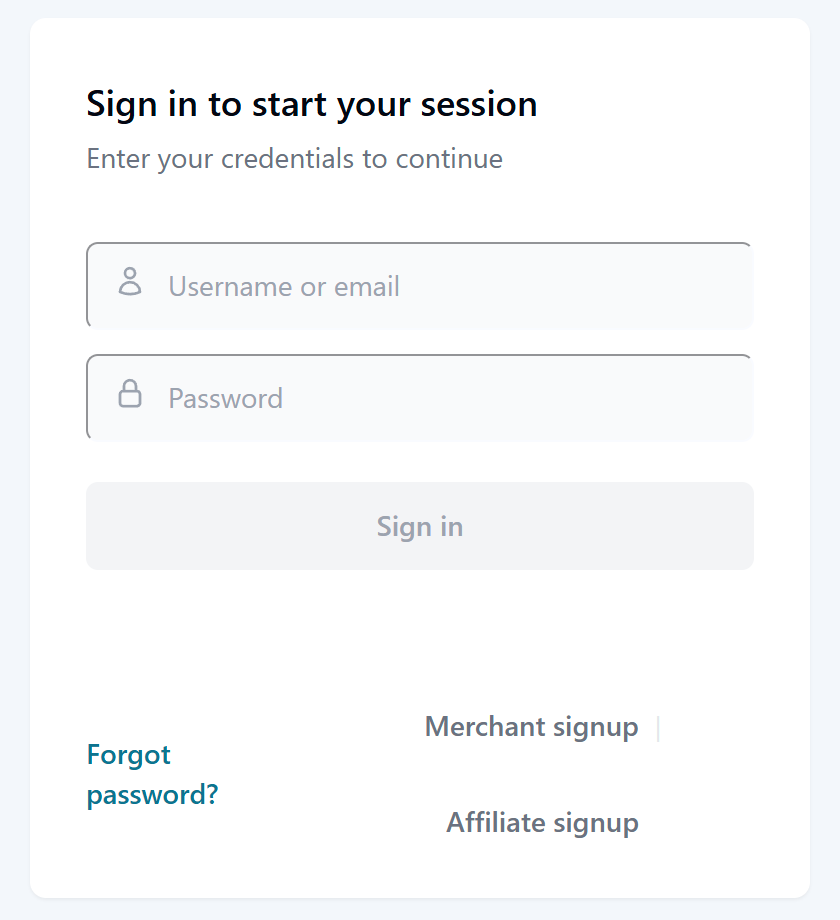
Sign in to your Clickwise affiliate account on partners.clickwise.net.
-
Open Results (1) in the left menu, then the Reporting connection tab (2).

-
In the API token card, click Reveal (1), then Copy token (2).
Connect Clickwise to Strackr
-
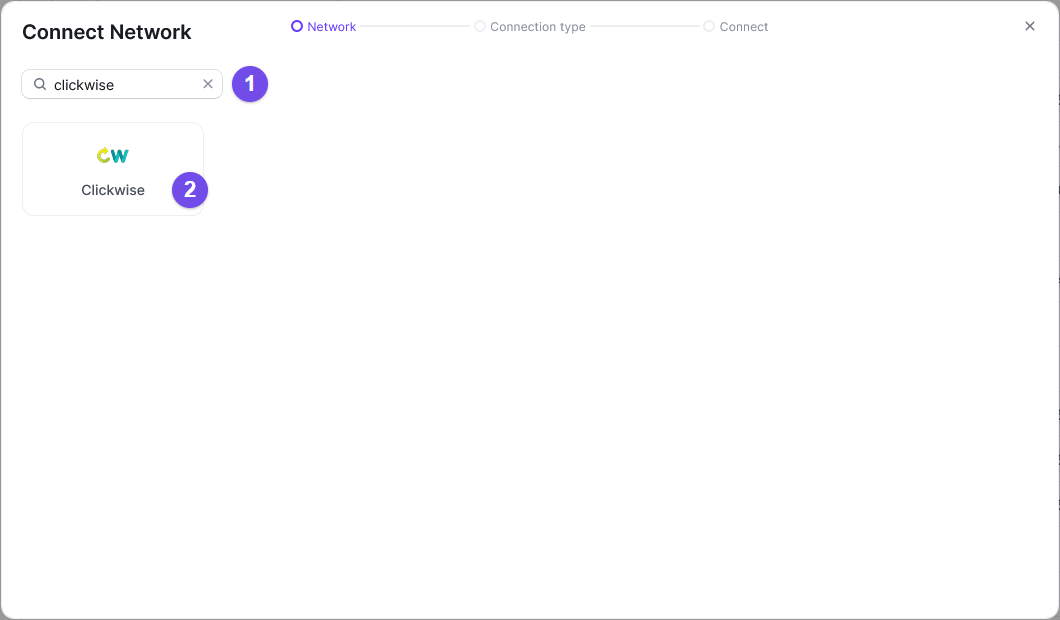
In Strackr, open Connections › Manage Connections, click Connect a network, type Clickwise in the search field (1) and select it (2).
-
Give the connection a name (1), paste the API token (2) and click Confirm (3).
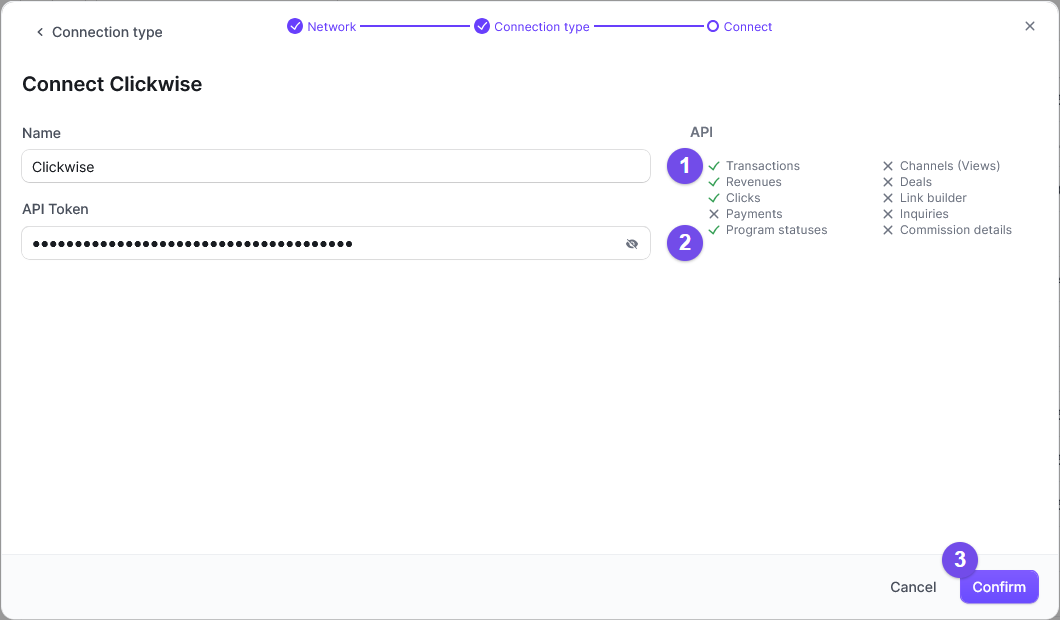
You can now connect! Strackr imports your campaigns, sales and clicks.
Good to know
- Clickwise is a meta-network: each campaign resells a program of another network under Clickwise's own links and payout. Strackr lists the campaigns as Clickwise advertisers.
- If you click Rotate in the API token card, the old token stops working: paste the new one into your Strackr connection.
What you get in Strackr
Affiliate data available from the Clickwise API once your account is connected.
- Transactions
- Clicks
- Payments: not available on Clickwise
- Channels: not available on Clickwise
- Link Builder: not available on Clickwise
- Revenues
- Revenues CPC: not available on Clickwise
- Program statuses
- Deals: not available on Clickwise
- Product feeds: not available on Clickwise
- Transaction inquiries: not available on Clickwise
Subid for Clickwise
sub_id