Partnership Hub
What is the Partnership Hub?
Searching for new affiliate program partnerships can take a lot of time. You need to connect to each affiliate network, search for programs by name, apply when you find relevant ones, and monitor their status before you can start using tracking links.
With the Partnership Hub, all of these steps become much easier!
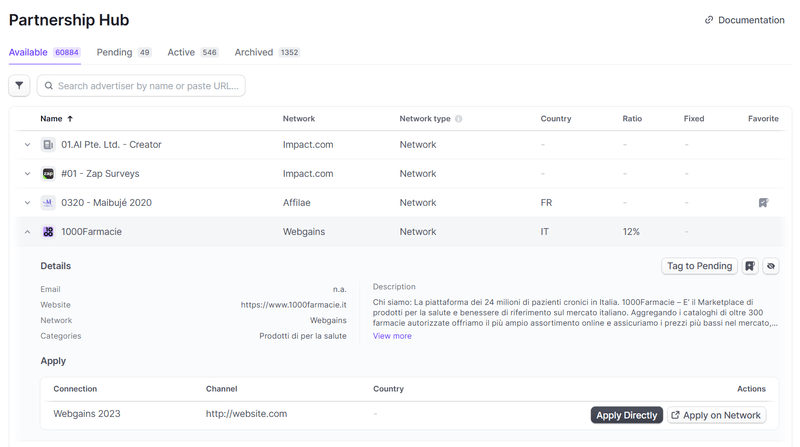
Available programs
The first tab of the tool helps you find available programs across all affiliate networks you are connected to. Useful information is displayed, such as the Network Type, Country, and minimum and maximum commissions.
You can search for advertisers using the search input:
- By URL
- By domain name (e.g. walmart.com)
- By keywords
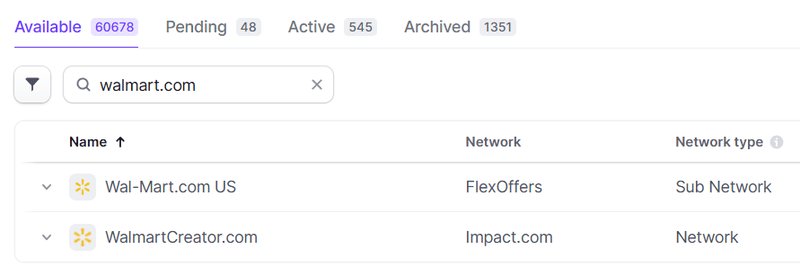
You can also use the filters menu with filters such as:
- Network
- Country
- Network type
- etc.
Once you find a program, you can click on it to display additional information and available actions:
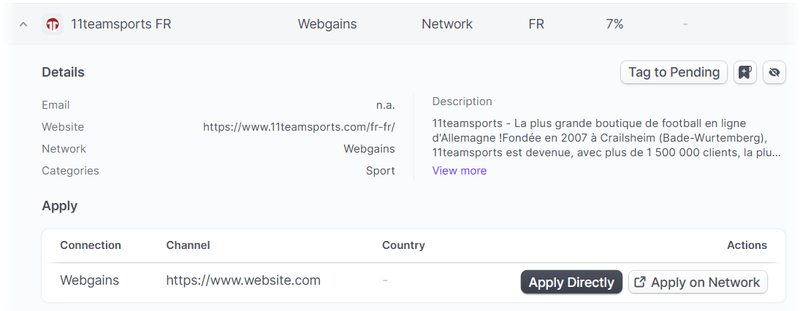
Depending on the network, you will find details such as the URL, categories, or description. In the top-right corner, you will find different actions:
- Tag To Pending: if you applied directly from the affiliate network dashboard, you can move this advertiser to the Pending tab.
- Add To Favorite: if you are interested in the program and want to apply later.
- Hide Program: if you are not interested and want to move this program to the Archived tab.
Once you have found a program, it's time to apply:
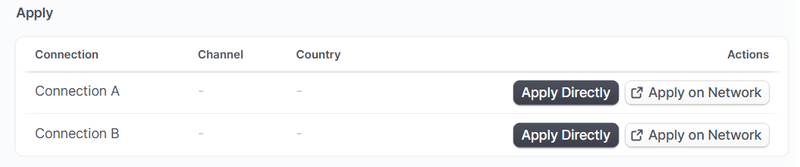
You will see a list of Connections and Channels you can apply with. If you choose Apply Directly (depending on the network), Strackr will create the partnership and automatically move the program to the Pending tab.
If you choose Apply on Network, you will be redirected to the application page on the network dashboard. Once you have applied, you can click on Tag To Pending to move the program to the Pending tab.
Pending & Active programs
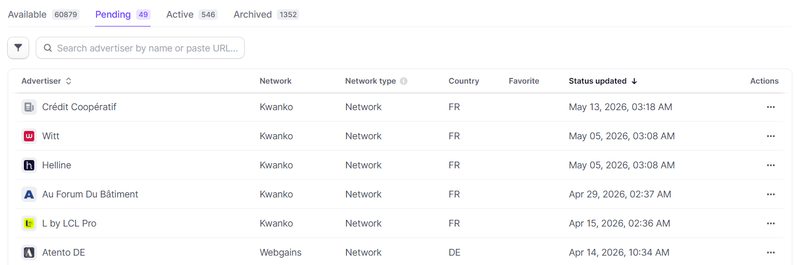
In these two tabs, you can list Pending and Active programs sorted by the latest status update date and time:
Archived programs
This tab lists programs that have been rejected, closed, or hidden from the Available tab.